IvyMode
By Jan Maack
IvyMode Variable
The quick brown fox jumps over the lazy dog
IvyMode Variable Italic
The quick brown fox jumps over the lazy dog
IvyMode Thin
The quick brown fox jumps over the lazy dog
IvyMode Thin Italic
The quick brown fox jumps over the lazy dog
IvyMode Light
The quick brown fox jumps over the lazy dog
IvyMode Light Italic
The quick brown fox jumps over the lazy dog
IvyMode Regular
The quick brown fox jumps over the lazy dog
IvyMode Regular Italic
The quick brown fox jumps over the lazy dog
IvyMode Semi Bold
The quick brown fox jumps over the lazy dog
IvyMode Semi Bold Italic
The quick brown fox jumps over the lazy dog
IvyMode Bold
The quick brown fox jumps over the lazy dog
IvyMode Bold Italic
The quick brown fox jumps over the lazy dog
Information
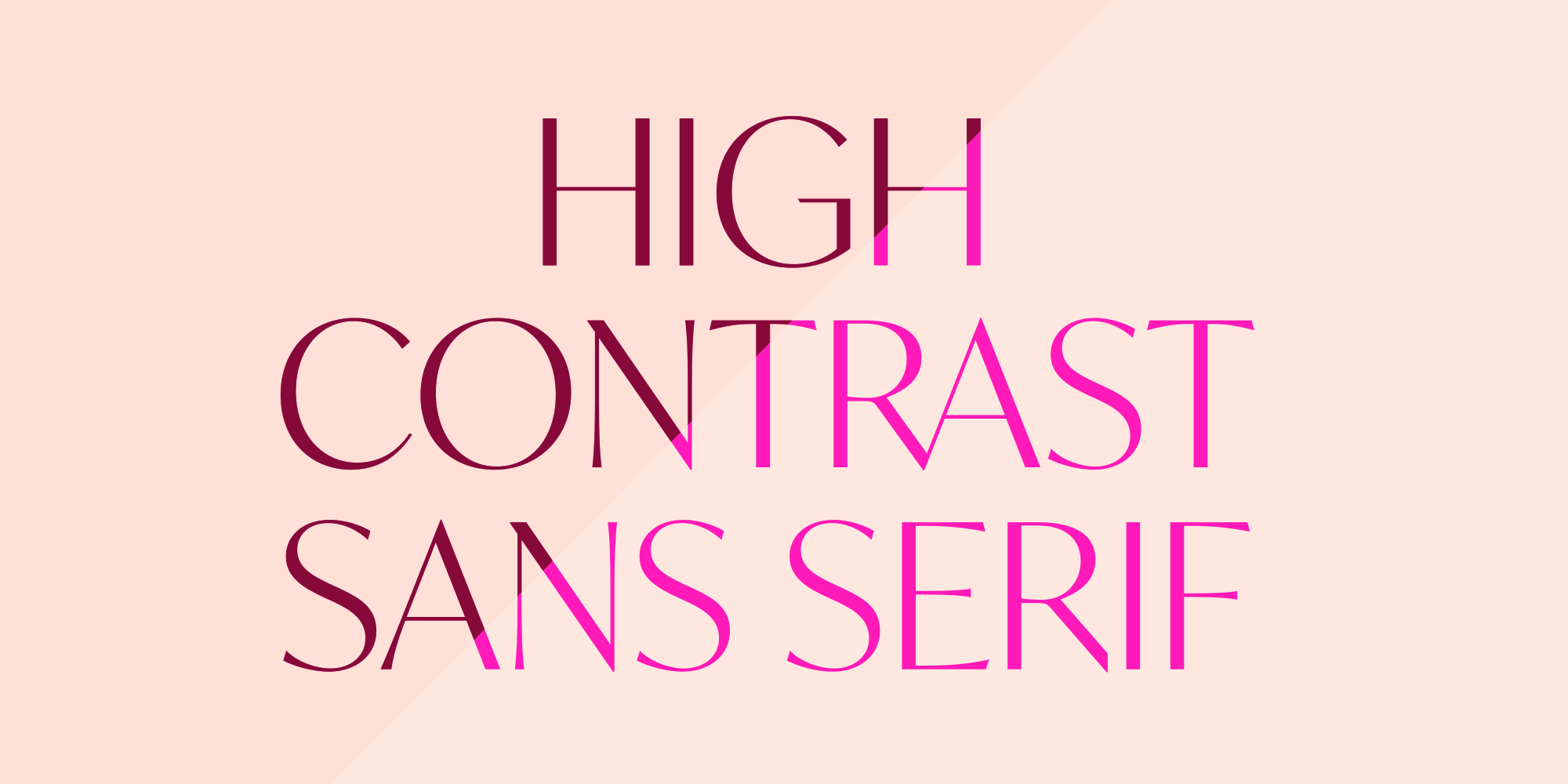
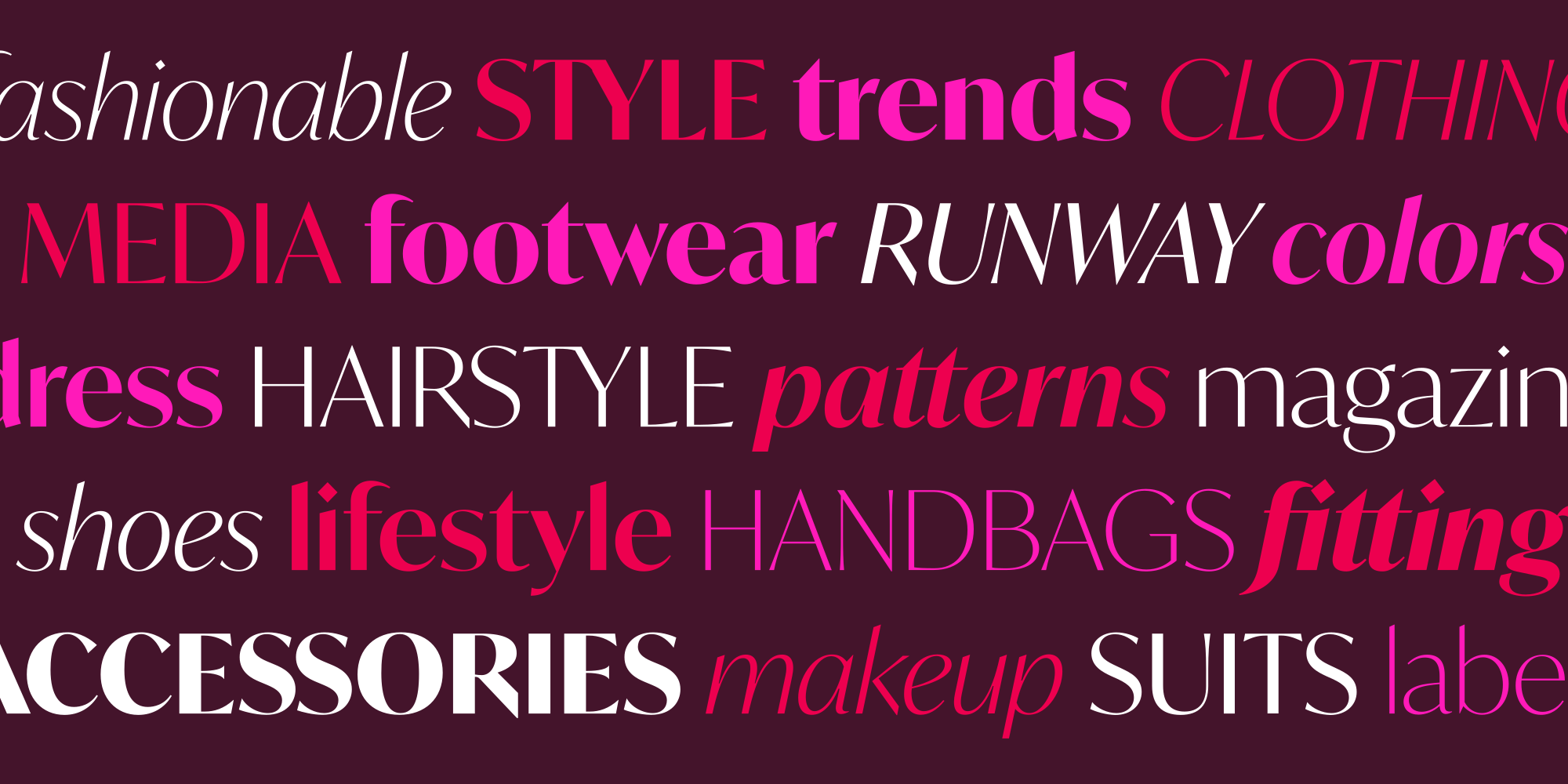
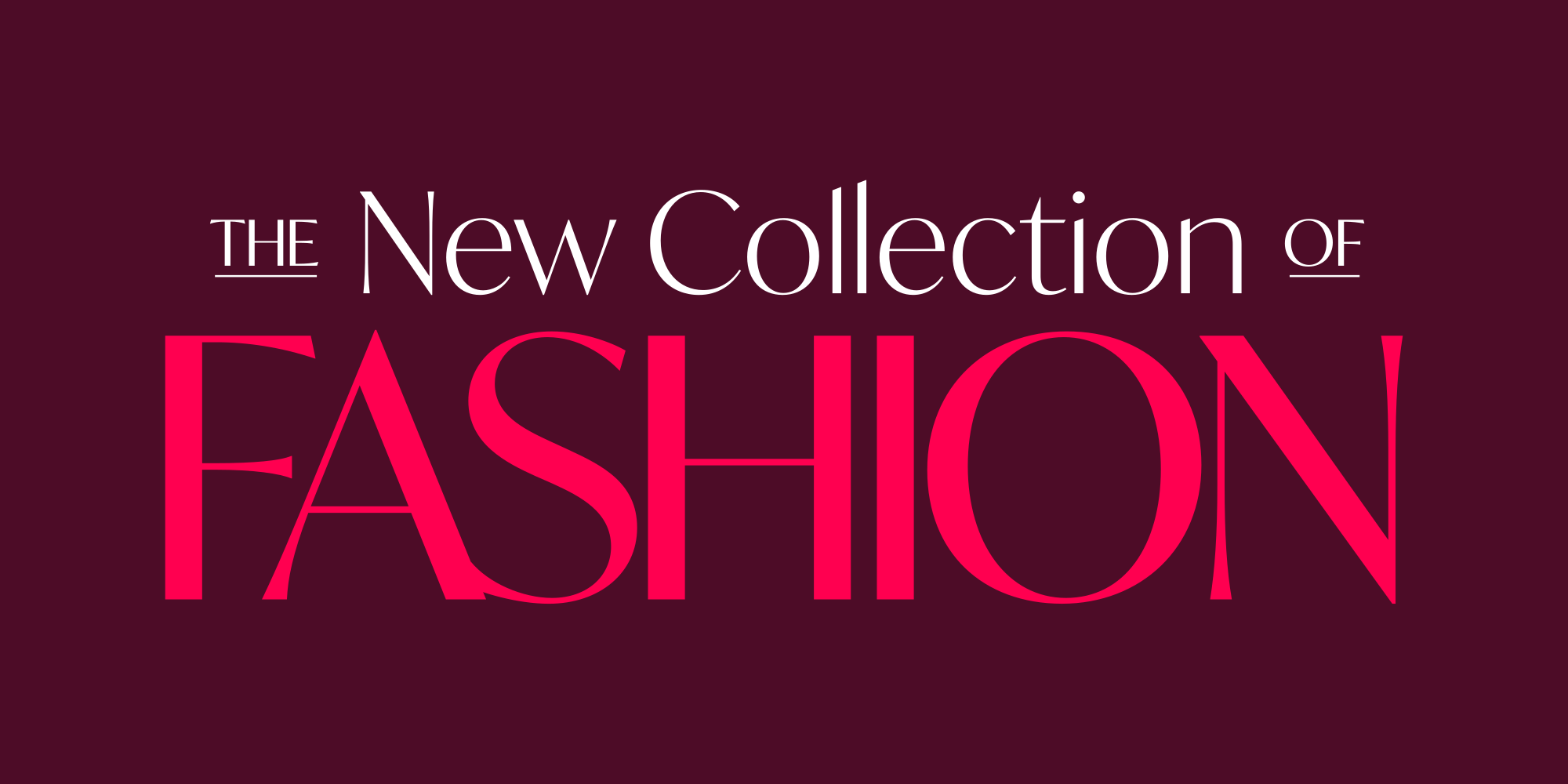
IvyMode started out as a high-contrast companion to IvyJournal before evolving into a distinct design in its own right. Jan Maack’s new sans hints at serifs via subtly flared stroke endings and offers an extended collection of novel ligatures, alternates, and additional glyphs. Diamond dots and punctuation, pronounced contrast, extenders cut on the bias, and slightly angled stress give this face the crispness of a freshly ironed toile.
Language Support
- Catalan
- Croatian
- Czech
- Danish
- Dutch
- English
- Filipino
- Finnish
- French
- Fula
- German
- Hungarian
- Indonesian
- Italian
- Latvian
- Malay
- Maltese
- Norwegian
- Polish
- Portuguese
- Romanian
- Slovak
- Slovenian
- Spanish
- Swedish
- Turkish
Licensing with Typographer
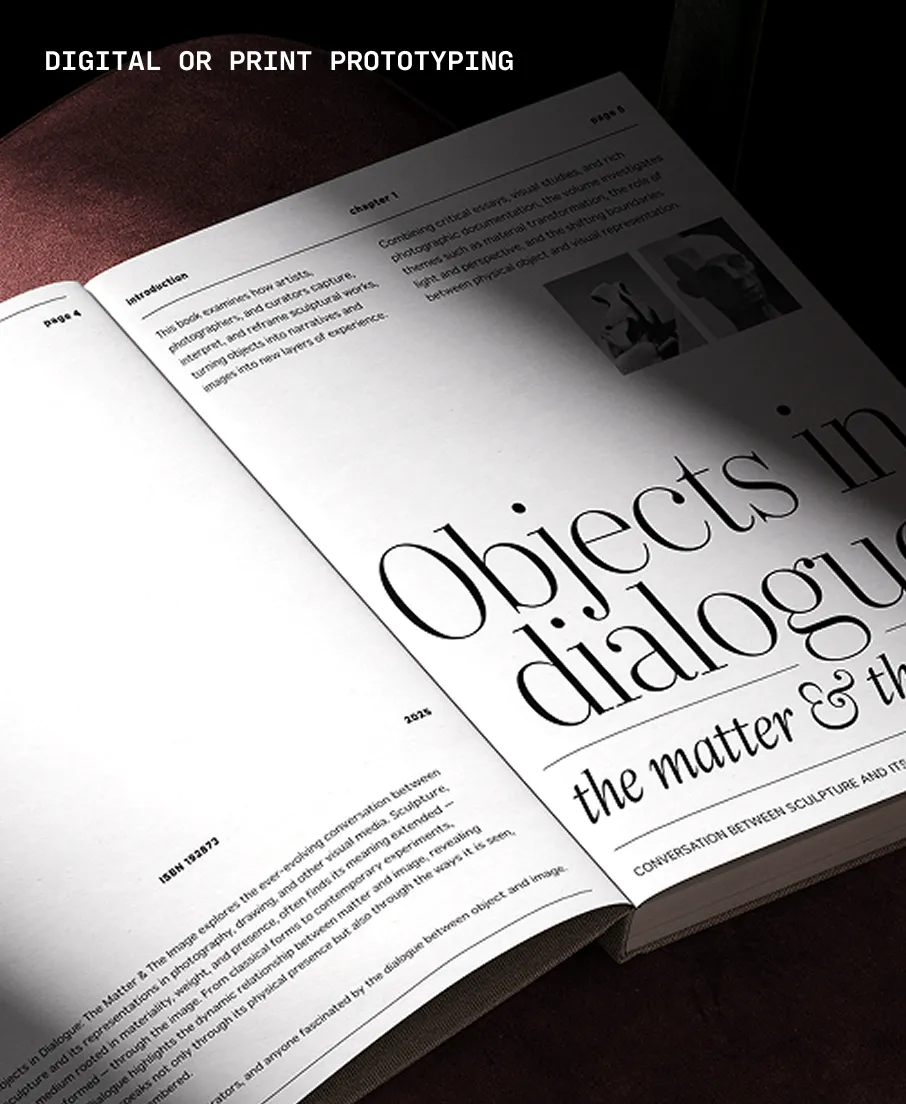
Typographer covers web use (up to 15K pageviews / month) and unlimited prototyping. Learn more in our FAQ.
Need to buy a license?
Visit Ivy Foundry
Similar fonts
-
Fromage
Adam Ladd Design
16 styles -
Kirkwall
P22 Type Foundry
4 styles -
Fromage Alt
Adam Ladd Design
16 styles -
Athena
Ellen Luff Type Foundry
10 styles -
Spiggie
P22 Type Foundry
4 styles -
Larken
Ellen Luff Type Foundry
16 styles -
Philosopher
Google Fonts
4 styles -
Quiche Sans
Adam Ladd Design
14 styles -
Quiche Flare
Adam Ladd Design
14 styles -
Marcellus
Google Fonts
1 style