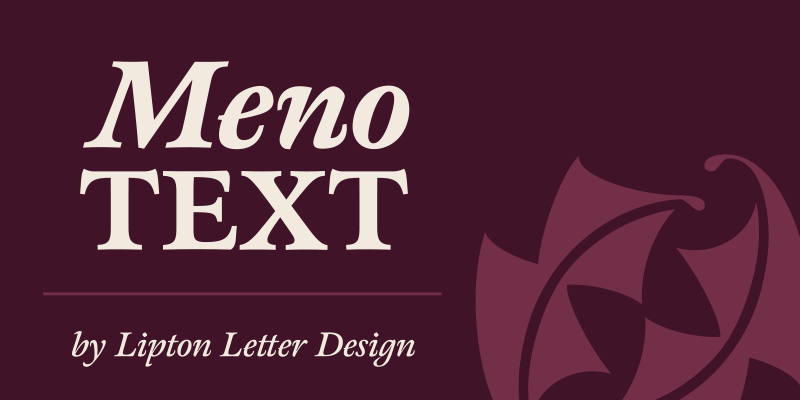
Meno Text
By Richard Lipton

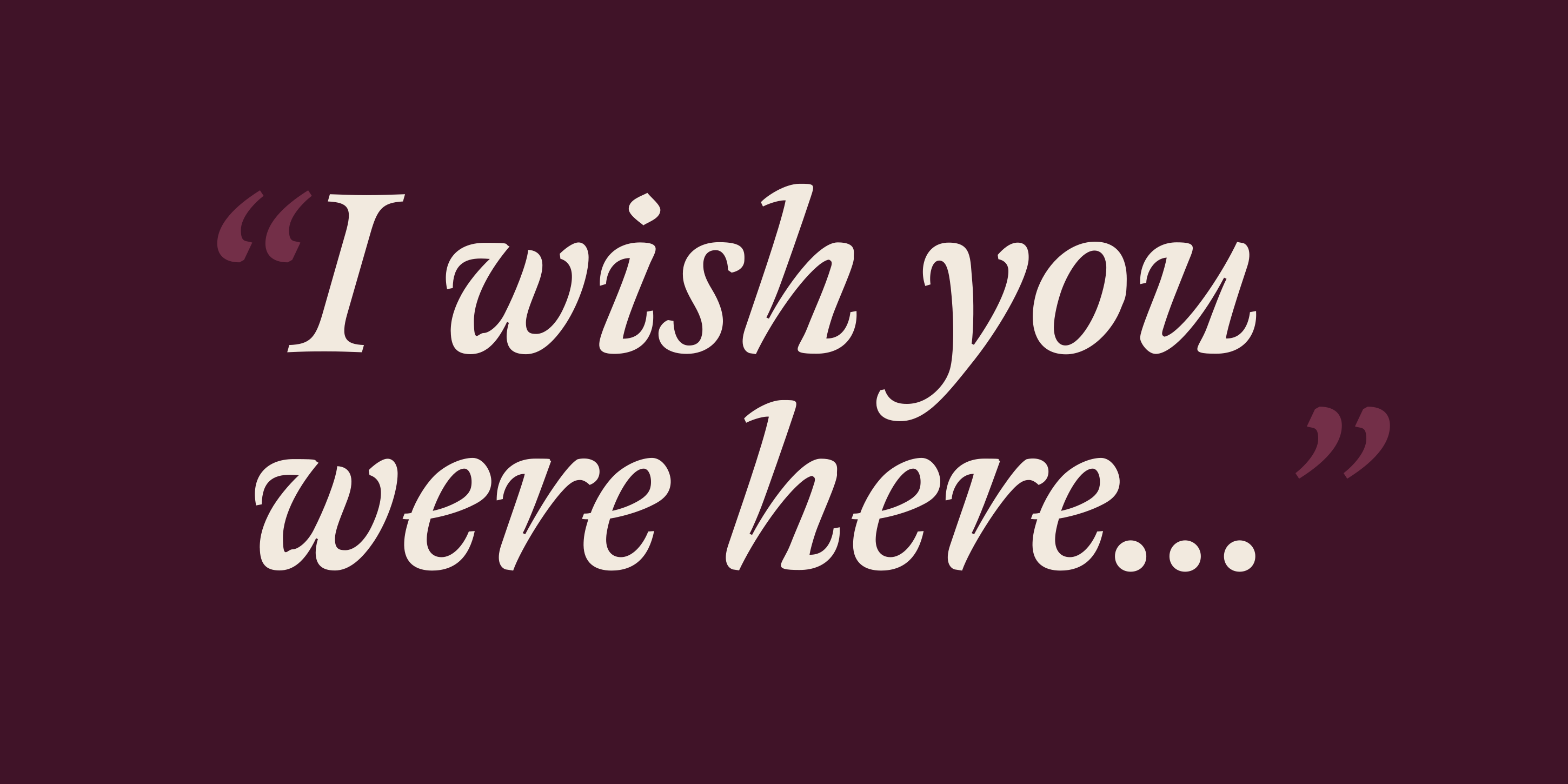
Meno Text Regular
Meno Text Regular Italic
Meno Text Semi Bold
Meno Text Semi Bold Italic
Meno Text Bold
Meno Text Bold Italic
Information
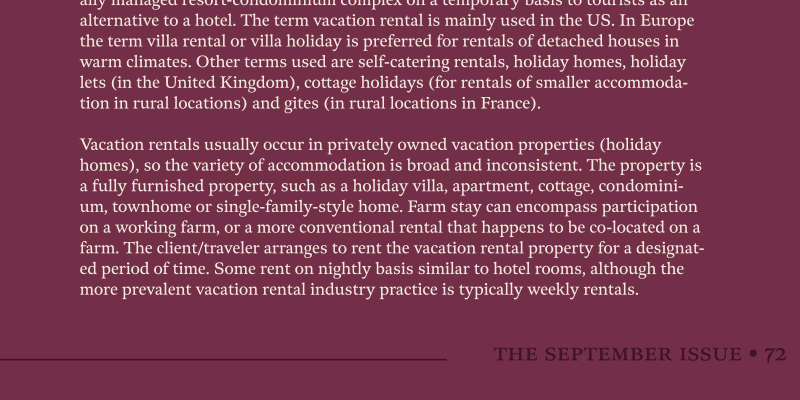
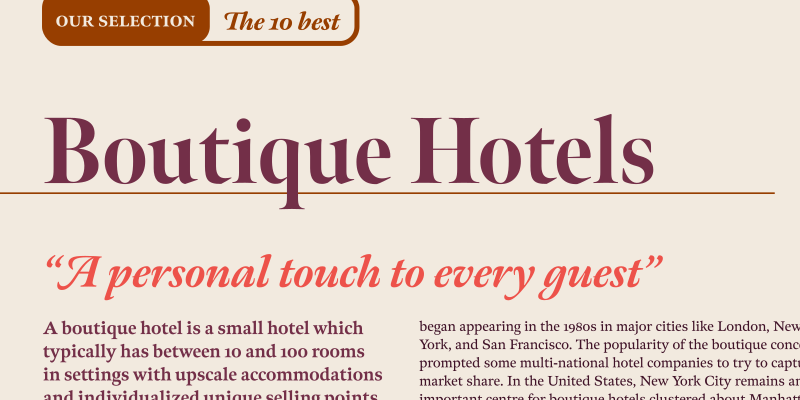
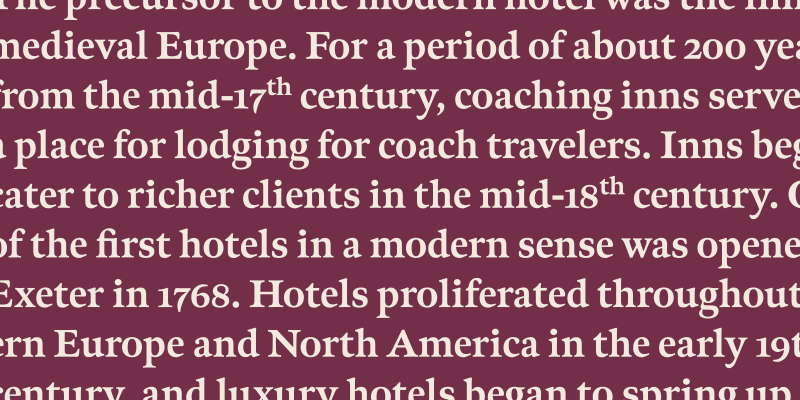
Richard Lipton designed Meno in 1994 as a modest yet elegant workhorse serif family in seven styles. In 2016, he expanded this spirited old style into a 78-style superfamily. The romans gain their energy from French baroque forms cut late in the 16th century by Robert Granjon, the italics from Dirk Voskens’ work in 17th-century Amsterdam. Meno consists of three carefully drawn optical sizes — Text, Display, and Banner, with Condensed and Extra Condensed widths added to the latter two cuts. Steadfast in text settings, Meno is replete with alternate forms, swashes, and other enhancements that showcase Lipton’s masterful calligraphic hand. The series offers a complete solution for achieving high-end editorial typography.
Language Support
- Catalan
- Croatian
- Czech
- Danish
- Dutch
- English
- Filipino
- Finnish
- French
- Fula
- German
- Hungarian
- Indonesian
- Italian
- Latvian
- Malay
- Maltese
- Norwegian
- Polish
- Portuguese
- Romanian
- Slovak
- Slovenian
- Spanish
- Swedish
- Turkish
Licensing with Typographer
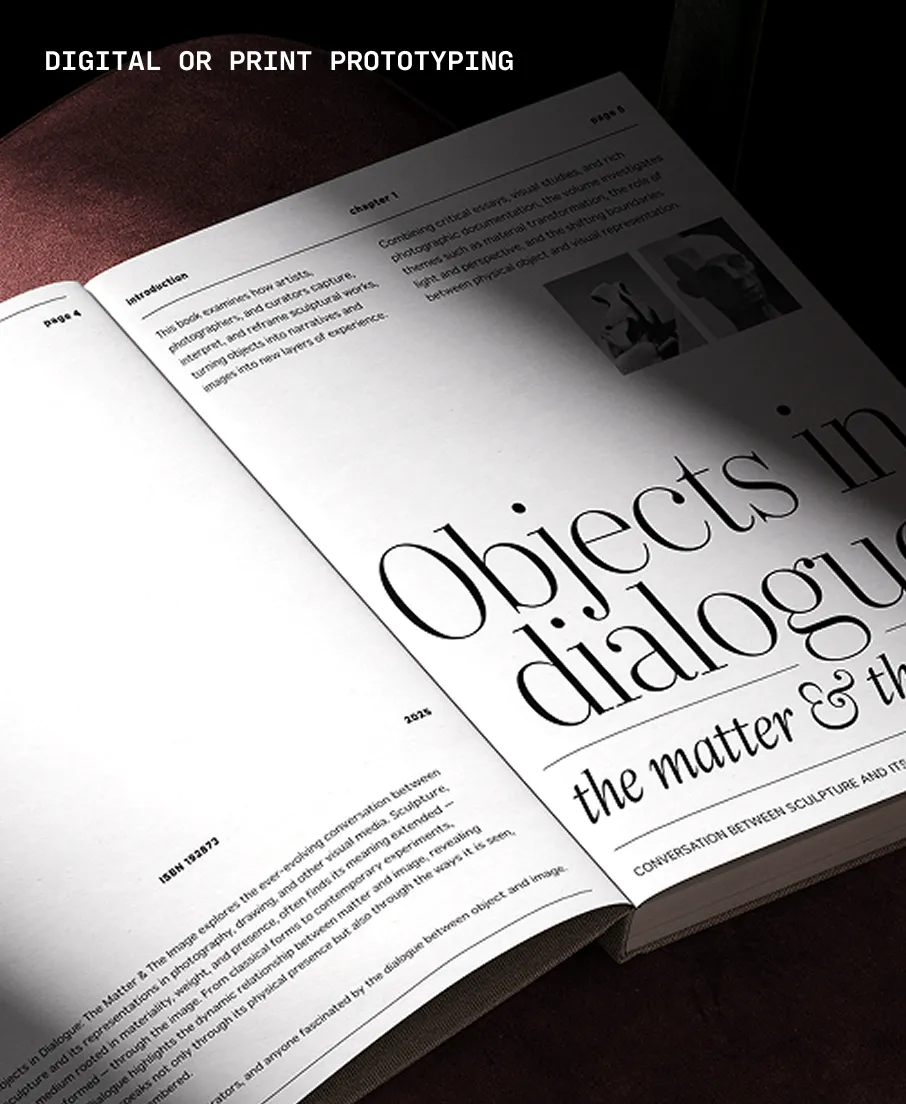
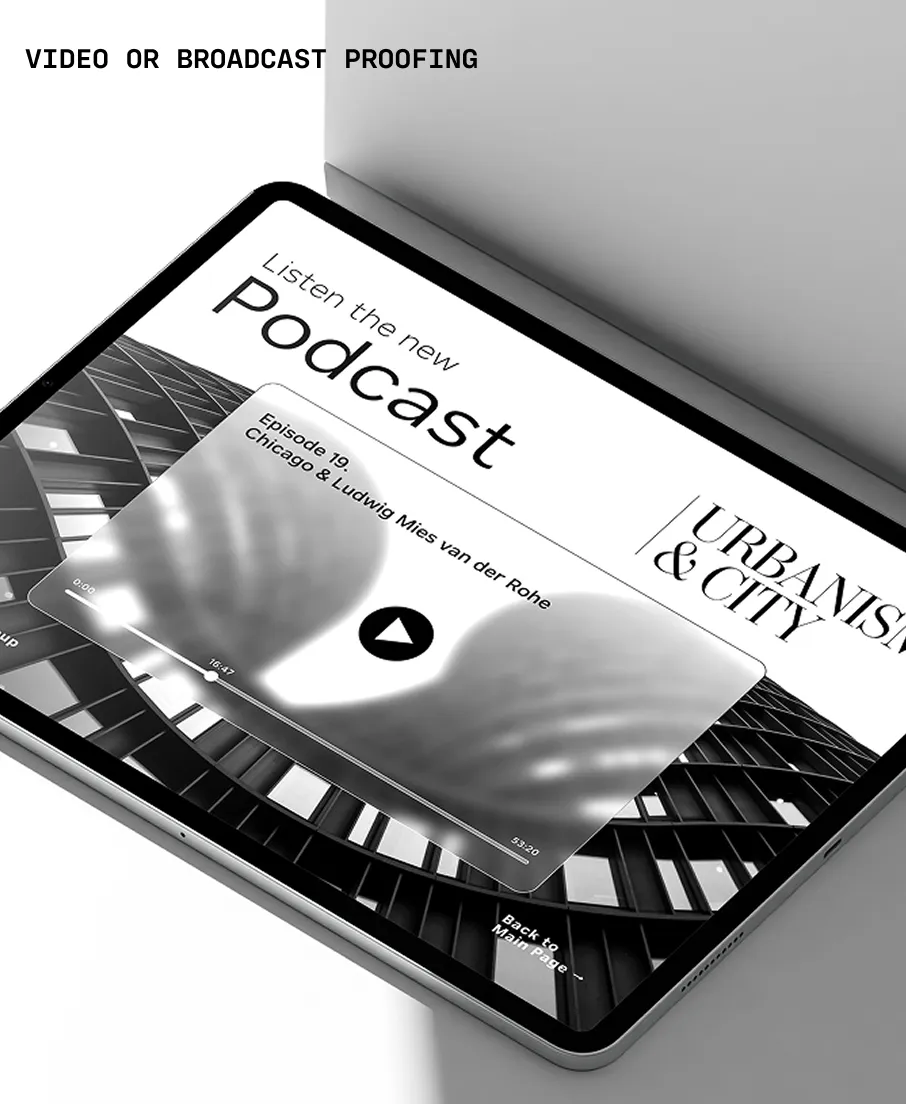
Typographer covers web use (up to 15K pageviews / month) and unlimited prototyping. Learn more in our FAQ.
Need to buy a license?
Visit Lipton Letter Design
Similar fonts
-
Miller Text
Carter & Cone
6 styles -
Addington
Connary Fagen Fonts
14 styles -
Miller Daily
Carter & Cone
16 styles -
Georgia Pro
Carter & Cone
20 styles -
Volkhov
Google Fonts
4 styles -
Vesterbro
Black[Foundry]
14 styles -
Bennet Text
Lipton Letter Design
30 styles -
Vulpa
Dave Rowland Type
6 styles -
Richmond Text
Carter & Cone
12 styles -
Proxima Sera
Mark Simonson Studio
18 styles