Arima
By Natanael Gama, Joana Correia & Rosalie Wagner
?90ab)
?8462)
?521c)
?7a5f)
Arima Variable
Arima Thin
Arima Extra Light
Arima Light
Arima Regular
Arima Medium
Arima Semi Bold
Arima Bold
Information
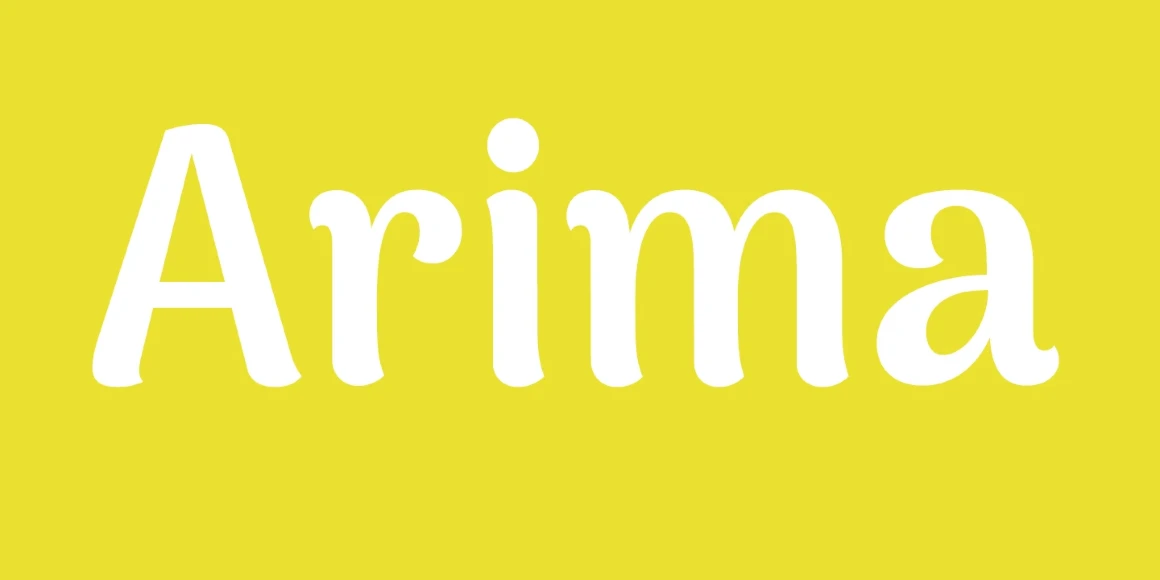
A display font with soft edges and calligraphic feel is the main inspiration for Arima project. It has a low contrast to allow good rendering on screen. Legibility is always a central concern, but the design has a lot of personality to be recognizable as a display font to be used in headlines, brand names, and similar uses on the web. The primary goal was to create a design that will prove popular because it resonates with both casual and professional designers, and without ever lowering the quality of the design. Each font in the family was extensively tested on low resolution phones and refined to work well as a web font in the mobile era.
Language Support
- Catalan
- Chinese Pinyin
- Croatian
- Czech
- Danish
- Dutch
- English
- Filipino
- Finnish
- French
- Fula
- German
- Greek
- Hungarian
- Indonesian
- Italian
- Latvian
- Malay
- Malayalam
- Maltese
- Norwegian
- Polish
- Portuguese
- Romanian
- Slovak
- Slovenian
- Spanish
- Swedish
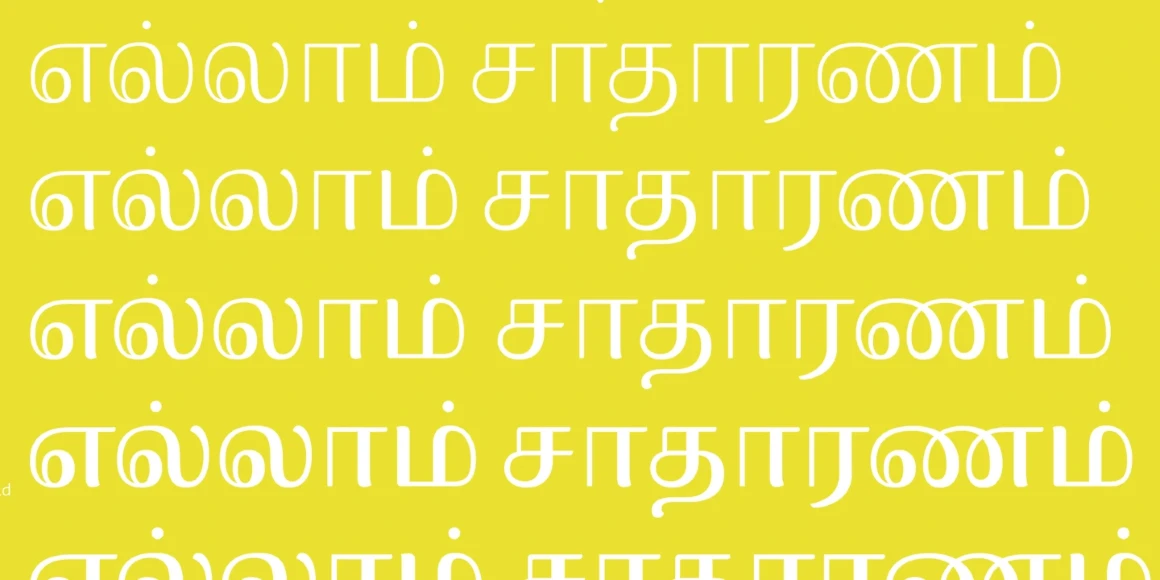
- Tamil
- Turkish
- Vietnamese
Licensing with Typographer
Typographer covers web use (up to 15K pageviews / month) and unlimited prototyping. Learn more in our FAQ.
Need to buy a license?
Visit &DISCOVER
Similar fonts
-
Camelot
Lanston Type Company
2 styles -
Briem Hand
Google Fonts
1 style -
Ancizar Sans
Google Fonts
2 styles -
Antic
Google Fonts
1 style -
Athiti
Google Fonts
6 styles -
Recursive
Google Fonts
1 style -
Catamaran
Google Fonts
1 style -
Signika Negative
Google Fonts
1 style -
Gemunu Libre
Google Fonts
1 style -
Phudu
Google Fonts
1 style