Canvas Icons

From Yellow Design Studio

Canvas Icons are part of the Canvas Acrylic Megafamily. It includes Canvas Tiny (designed to look great at very small sizes), Canvas Icons (340 tasty shapes, icons and, seasonal elements) and Canvas Rena’s Flowers (unique floral icons and patterns designed by Rena). With authentic, hi-res texture Canvas Extras retain their realism even at very large sizes. A bonus set of complimentary vector background textures, shapes and elements is available from the site.

Designed by Ryan Martinson & Rhea Martinson

Tags

Language Support

  • English
  • Filipino
  • German
  • Indonesian
  • Malay
  • Maltese
  • Slovenian
abcde ABCDE fghij FGHIJ

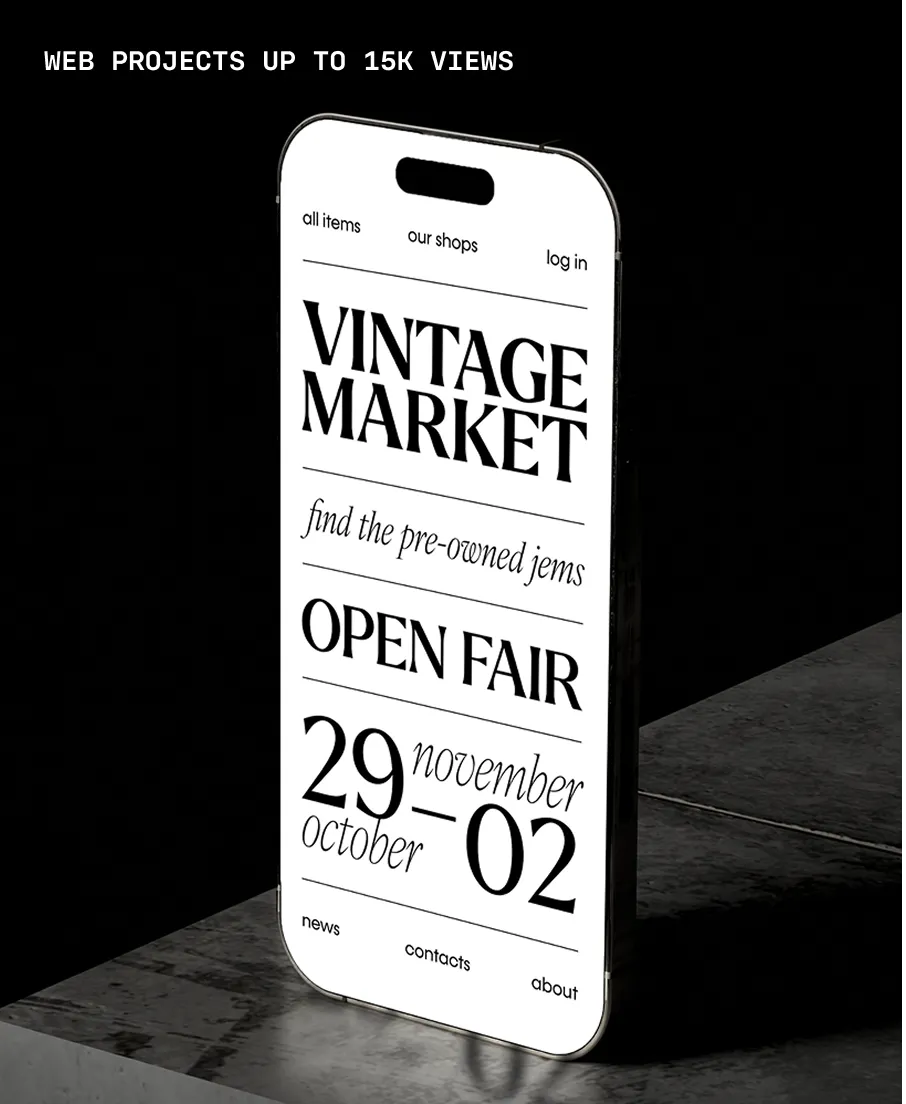
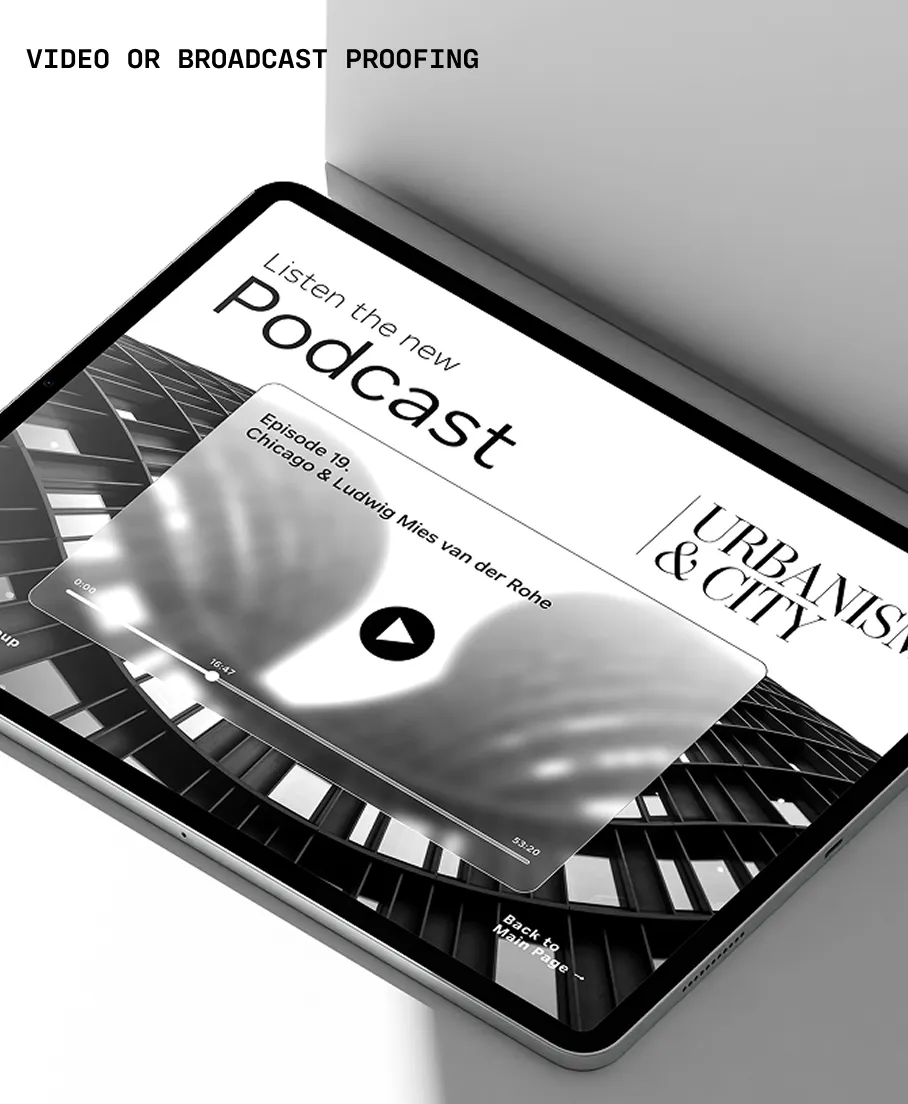
Use Canvas Icons in your prototypes and websites.

Project preview Digital project preview Video project preview

All Styles

Font Size

Canvas Icons One

abcde ABCDE fghij FGHIJ

Canvas Icons Two

The quick brown fox jumps over the lazy dog

Canvas Icons Three

The quick brown fox jumps over the lazy dog

Canvas Icons Extras

The quick brown fox jumps over the lazy dog

Character Map

latin capital letter a U+0041
A

Uppercase Letter Latin

Lowercase Letter Latin

Decimal Number

Connector Punctuation

Dash Punctuation

Close Punctuation

Other Punctuation

Open Punctuation

Currency Symbol

Modifier Symbol

Math Symbol

Additional Licensing

Your Typographer subscription covers prototyping, pitches, and web usage up to 15,000 monthly page views. You can add licensing if you or your client need to expand the scope of your usage. Like any software, fonts are licensed for specific uses. All our licenses allow commercial use, but the right one depends on how you plan to use the fonts.

Buy Canvas Icons

Select licenses

Like any software, fonts are licensed for specific uses. All of our licenses allow commercial use — the right one simply depends on how you plan to use the fonts.

  • Host fonts on your website and display live text using HTML and @font-face CSS. Pricing is based on your monthly pageviews.

    Web License Terms

    For how many page views?

  • Embed fonts directly in a mobile app. Licensing is based on the number of app titles and covers distribution across platforms like iOS and Android, for apps with up to 25,000 monthly active users.

    App License Terms

    For how many apps?

  • Install fonts on your computer to create static assets like logos, social media images, presentations, and print materials. Each person who installs the font needs a license. Embedding in apps, automated systems, or hosting on a website requires a different license.

    Desktop License Terms

    For how many users?

Packages Buy multiple styles and save

Individual styles

Select individual styles starting at $7.50 per style

  • Canvas Icons One

    $7.50
  • Canvas Icons Two

    $7.50
  • Canvas Icons Three

    $7.50
  • Canvas Icons Extras

    $7.50

Item has been added to your cart!

Subtotal for :

$0.00
State and local taxes may apply.
View Cart

Select licenses

Please select a license to add your selections to the cart. You can adjust these before checking out.

Like any software, fonts are licensed for specific uses. All of our licenses allow commercial use — the right one simply depends on how you plan to use the fonts.

  • Host fonts on your website and display live text using HTML and @font-face CSS. Pricing is based on your monthly pageviews.

    Web License Terms

    For how many page views?

  • Embed fonts directly in a mobile app. Licensing is based on the number of app titles and covers distribution across platforms like iOS and Android, for apps with up to 25,000 monthly active users.

    App License Terms

    For how many apps?

  • Install fonts on your computer to create static assets like logos, social media images, presentations, and print materials. Each person who installs the font needs a license. Embedding in apps, automated systems, or hosting on a website requires a different license.

    Desktop License Terms

    For how many users?

Add Canvas Icons to a project

Or create a new project.

Create a new project

Generating CSS...

Done! Canvas Icons has been added to your project. Copy the embed code below and add it to the <head> of your website.

You can always find your embed code and manage your project under My Library / Projects.